Prototype cookie cutter designs for Etsy listings and custom orders
CutterForge helps Etsy sellers and small bakeries move faster from request to printable cutter concept. Create variations, export STL files, and check each design before offering it commercially.
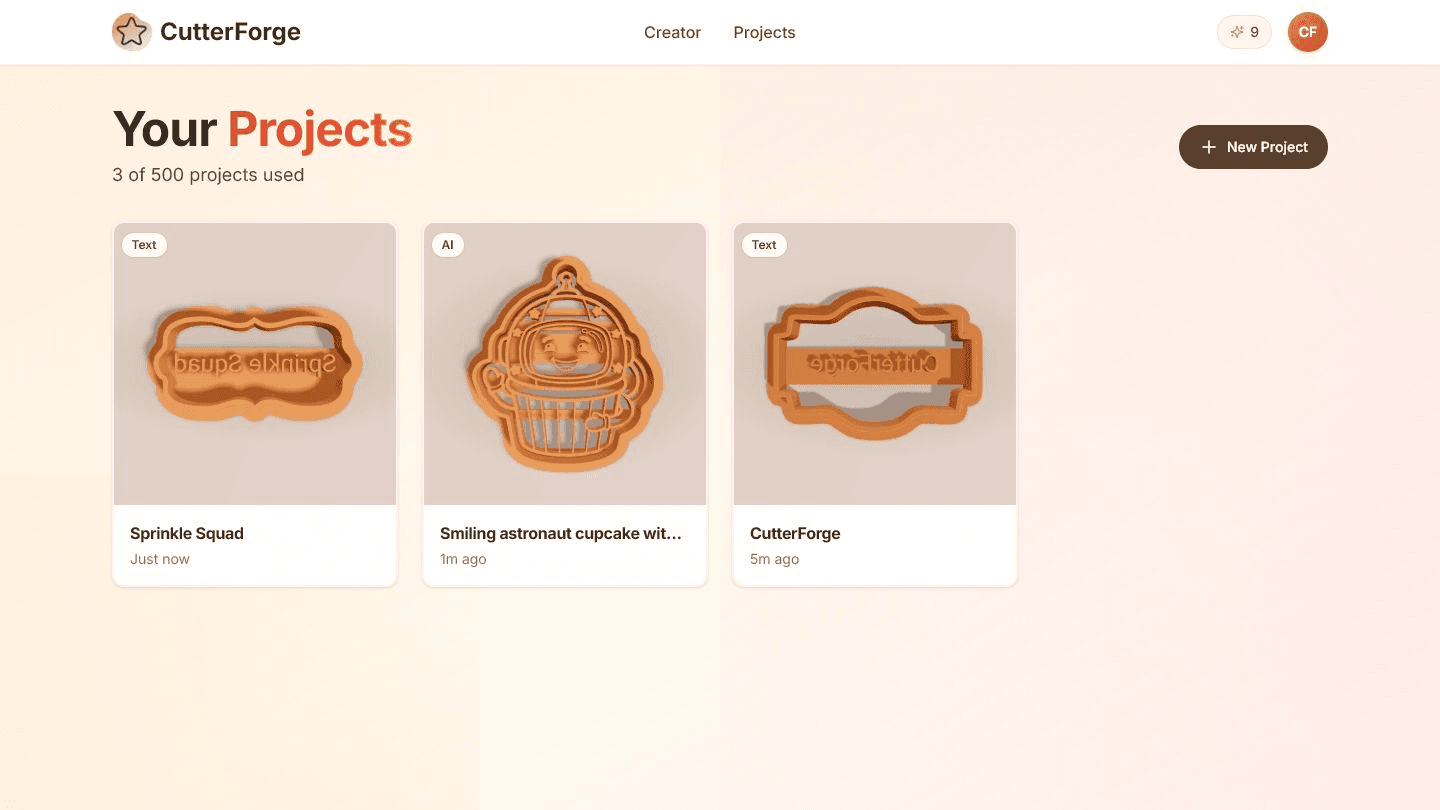
Built for the real path from idea to cookie cutter.
Use CutterForge to prototype faster, then still validate print quality, rights, cleaning, food-contact claims, and marketplace requirements.
Customers may send a logo, photo, name, or rough idea. Separate workflows help you choose the right conversion path.
Save successful designs, create variations, and use slicer checks before producing a batch for listings.
Four steps, then a file you can print.
- 01
Turn a customer request into a source prompt, image, logo, or text design.
- 02
Generate a cutter preview and export STL.
- 03
Print and test before selling or fulfilling an order.
- 04
Save successful designs as reusable project starting points.
Useful for more than one shape.
What this workflow produces
Example input
A customer asks for a pet-face cutter, a name cutter, or a simplified brand-shape cookie cutter.
Example output
A prototype STL and preview that can be printed, tested, photographed, and refined before listing.
Export details before you print
Files you get
- Prototype STL
- Saved project thumbnail
- Editable project
Inputs supported
- Customer photos
- Logos with permission
- Names
- Prompt ideas
- Line art
Slicers and printers
STL exports can be prepared in Bambu Studio, PrusaSlicer, OrcaSlicer, Ultimaker Cura and similar slicers for printers such as Bambu Lab, Prusa, Creality, Anycubic, Elegoo.
Use 1.0-1.2 mm for customer-facing designs unless testing shows a different wall works better for your printer and material.
Printing tips
- Print and test a cutter before promising it in a listing.
- Keep source rights and customer permissions documented.
- Photograph tested prints rather than relying only on renders.
Limitations to know
- CutterForge does not verify IP rights or Etsy policy compliance.
- Commercial quality requires your own print testing and product safety process.
- Customer-supplied photos and logos may need simplification.
AI, image upload, or text mode?
Use AI when
Use AI for original seasonal concepts and listing experiments.
Use image upload when
Use image or logo upload for customer-supplied artwork when rights are clear.
Use text mode when
Use text mode for fast personalized name and phrase cutters.
Avoid weak cutter files
Selling a design before test-printing it.
Using protected logos or characters without permission.
Listing a cutter with tiny details that fail at real cookie size.
Confusing STL delivery with finished print settings or food-safety claims.
Common questions
Can Etsy sellers use CutterForge?
Yes, for prototyping and creating STL files, but sellers remain responsible for rights, testing, safety claims, and marketplace compliance.
Can I sell the STL files?
That depends on your source rights, customer agreement, and marketplace policies. CutterForge does not grant rights to third-party artwork.
Should I test print before listing?
Yes. Test printing is important for confirming strength, scale, cleanability, and cookie results.
Which workflow is best for personalized orders?
Use text mode for names and short phrases, image upload for approved artwork, and AI for original concept exploration.
Can I make seasonal listing sets?
Yes. CutterForge can speed up variation work for holidays, events, and themed batches.
Does CutterForge handle commercial food safety?
No. Food-contact safety depends on your materials, printer, cleaning, post-processing, and local rules.